How to Stop Scrolling: Break the Social Media Habit
Why scrolling is so hard to stop, and practical ways to cut it: find your triggers, add friction, replace the habit, protect key times and plan for slips.
You pick up your phone to check the time. Forty minutes later you’re deep in videos you won’t remember, and you still don’t know what time it is.
Scrolling is one of the hardest habits to break, and that’s by design. Feeds are built to be easy to start and to have no natural end. Willpower alone rarely beats them.
What works better is treating scrolling like any other habit: understand what triggers it, make it harder to start, give yourself something to do instead, and plan for slips.
Why scrolling is so hard to stop
- No stopping point. Infinite feeds and autoplay remove the natural “end of the chapter.”
- Unpredictable rewards. Sometimes the next post is great, often it isn’t. Unpredictable rewards are especially good at keeping us checking; see variable reward schedules.
- Zero effort to start. The phone is always in reach, and the app opens in a second.
- It soothes. Scrolling is often a way to avoid boredom, stress or an uncomfortable task, which makes it feel needed.
Step 1: Notice your triggers
For three days, every time you catch yourself scrolling, note quickly:
- When: waking up, lunch, after work, in bed?
- Where: sofa, bed, bathroom, desk?
- What before: a hard task, boredom, a notification, a stressful message?
- How you felt: tired, anxious, avoiding something?
Most people find a few clear patterns: first thing in the morning, while avoiding work, and in bed at night. Those are where to start.
Step 2: Add friction
Make scrolling a little harder to start. Small barriers have a large effect on automatic habits. More on this in breaking bad habits without willpower.
- Remove the apps from your phone and use them in a browser, or only on a computer.
- Log out after each use, so you have to log back in.
- Move apps off the home screen into a folder on the last page.
- Turn off non-essential notifications. Each one is a trigger. (A wider plan is in the 30-day digital detox; for the “dopamine” angle, see what a dopamine detox can and can’t do.)
- Use grayscale mode to make the screen less appealing.
- Use app timers or blockers for your worst hours.
Step 3: Keep the phone out of key places
Distance is the strongest friction.
- Charge it outside the bedroom and use a separate alarm clock. This alone helps many people’s mornings and nights.
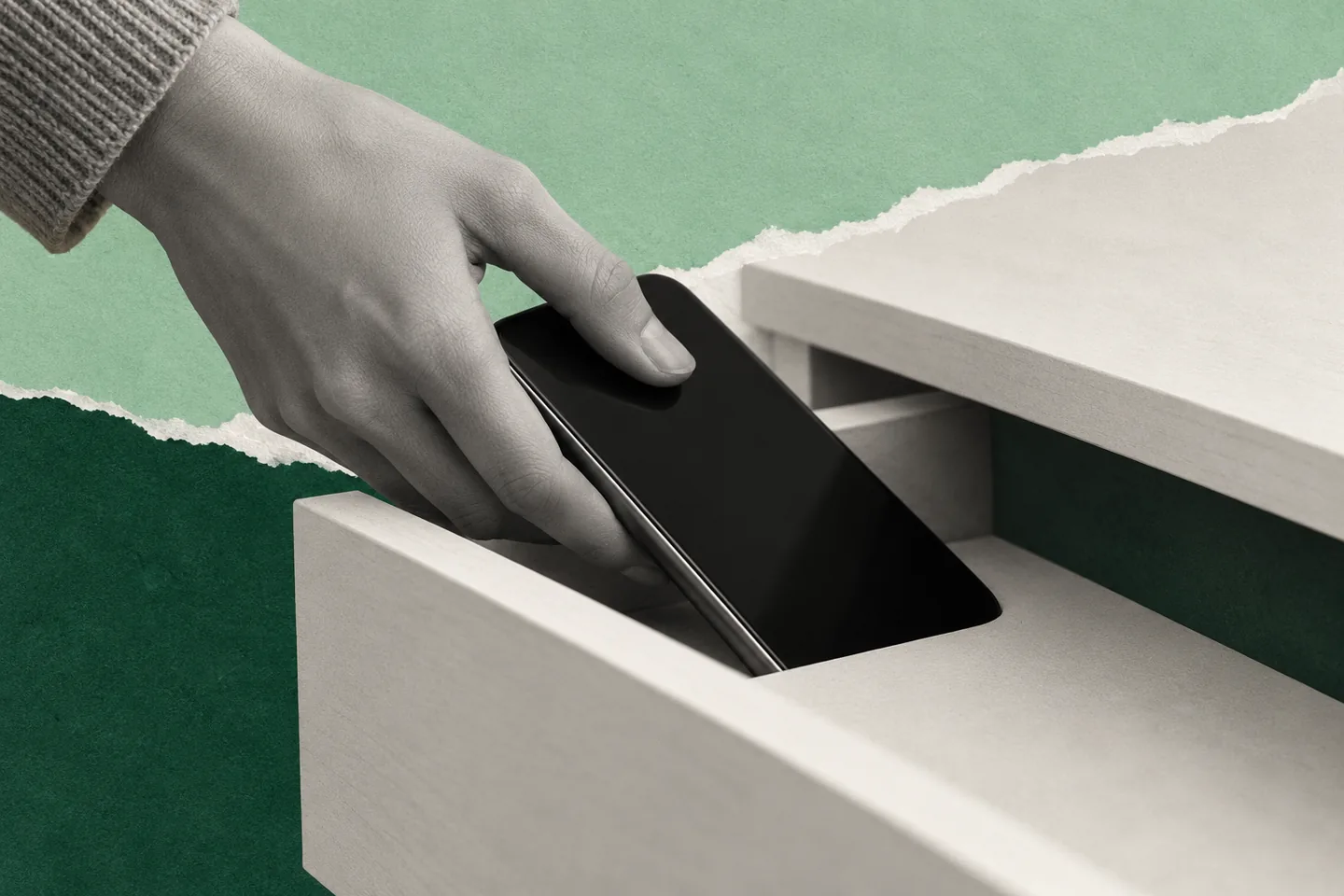
- Phone in a drawer or bag while working.
- No phone at the table during meals.
See no scrolling after 8 PM for a simple evening rule.
Step 4: Replace, don’t just remove
Scrolling fills a need: a break, distraction, connection or comfort. If you remove it without a replacement, the urge just looks for a way back.
| Trigger | What scrolling gives you | Try instead |
|---|---|---|
| Waking up | A slow start | Water, window, five minutes of a book |
| Avoiding a task | Escape | A 10-minute start on the task, or a short walk |
| Boredom in a queue | Stimulation | A podcast, an audiobook, people-watching |
| Evening on the sofa | Switching off | A show you chose, a call with a friend, a hobby |
| In bed | Winding down | A paper book, a short stretch, a body scan |
Keep the replacement close and easy: a book on the pillow, headphones in your pocket.
Step 5: Protect the times that matter most
Once these feel easy, try a longer break: a weekly digital sabbath.
You don’t have to quit social media entirely. Start by protecting a few key times:
- The first 30 minutes after waking.
- Focused work blocks.
- The last hour before sleep.
When scrolling is how you avoid starting work, give the work a set start time, ideally with someone else starting too. A booked 30-minute session with others makes “just one more video” harder to justify.
Disclosure: Cohorty publishes this journal. Cohorty runs 30-minute sessions at set times where you work on one task alongside others, with no camera or chat. See how Cohorty sessions work.
Step 6: Plan for slips
You’ll slip. Everyone does. What matters is what happens next.
- Don’t spiral. One long scroll doesn’t undo the week.
- Notice what triggered it and adjust the plan.
- Restart at the next protected time. See what to do after you break a streak.
A one-week plan
| Day | Change |
|---|---|
| 1 | Track triggers |
| 2 | Turn off non-essential notifications |
| 3 | Move social apps off the home screen |
| 4 | Charge the phone outside the bedroom |
| 5 | Choose a replacement for your worst trigger |
| 6 | Protect one work block, phone in a drawer |
| 7 | Review: what helped most? Keep it |
Common questions
How do I stop doomscrolling at night?
Charge your phone outside the bedroom, use a separate alarm clock, and keep a paper book by the bed as a replacement.
Should I delete social media completely?
You don’t have to. Many people do better by limiting where and when they use it: off the phone, out of the bedroom, not during work.
Why do I keep scrolling even when I don’t enjoy it?
Scrolling is often automatic and driven by cues like boredom, stress or avoiding a task, not by enjoyment. Changing the cues and adding friction works better than trying to enjoy it less.
How long does it take to break a scrolling habit?
It varies. Most people notice a difference within a week of adding friction, but expect urges to keep returning for a while. Each time you skip the scroll, the habit weakens.