Workspace Setup for Productivity: A Desk Built for Focus
Workspace setup for productivity: one task in view, the phone out of reach, good light and posture, a start ritual, and tips for small spaces.
Your desk shapes how you work more than you might think. A cluttered surface, a phone lighting up next to the keyboard, and twenty open tabs all compete for attention before you’ve even started.
This guide covers workspace setup for productivity: how to arrange a desk (at home or in an office) so starting and staying with a task is easier. It applies the principles of environment design to the place you work, and is part of our environment design guides.
1. Give work one place
Your brain links places with behaviors. A desk that’s only for work becomes a cue for focus; a sofa where you also watch TV and scroll does not.
- Use the same spot for focused work, even if it’s a corner of the kitchen table.
- Mark the start and end. Open the laptop on a specific mat, turn on a specific lamp, and pack it away at the end of the day.
- Keep leisure elsewhere where possible: games, streaming and social media on a different device or in a different place.
2. Keep only the current task in view
What you see competes for your attention.
- Clear the surface except for what today’s task needs.
- One window, one document where possible. Close other tabs or use a separate browser profile for work.
- A sticky note with today’s main task on the edge of the screen.
- A “later” pad for ideas and to-dos that pop up, so you don’t act on them mid-task.
3. Put the phone out of reach
The phone is the biggest single distraction for most people. Even when it’s silent, having it in view can pull attention.
- In a drawer or another room during focus blocks.
- Notifications off on your computer for chat and email during deep work.
- A website blocker for the sites you open on autopilot.
4. Get light, sound and temperature right
- Natural light where possible, ideally from the side so it doesn’t glare on the screen.
- A good desk lamp for darker days and evenings.
- Sound: some people focus best in silence, others with instrumental music or background noise. Headphones help in shared spaces.
- Temperature: a slightly cool room tends to feel more alert than a warm one.
5. Set it up for your body
For exercises and what research says about posture, see how to improve posture.
Short movement breaks help too: a few stretches from a daily stretching routine or a walk after lunch (see walking more every day).
Discomfort is a quiet distraction. A few adjustments help most people:
- Screen at roughly eye level and about an arm’s length away.
- Chair that supports your lower back, with feet flat on the floor or a footrest.
- Keyboard and mouse close enough that your elbows stay near your sides.
- Move regularly. Stand, stretch or walk between blocks.
If you have pain, numbness or ongoing discomfort, talk to a doctor or physiotherapist.
6. Create a start ritual
A short, repeated sequence tells your brain work is starting:
- Clear the desk.
- Fill a water bottle.
- Phone in the drawer.
- Open today’s task and read the sticky note.
- Start a timer.
After a few weeks, the ritual itself starts to bring focus. See deep work habits for building longer focus blocks.
7. Add other people (without the distraction)
Many people focus better when others are working nearby: in a library, a coworking space, or an online session. The trick is presence without conversation.
Disclosure: Cohorty publishes this journal. Cohorty runs 30-minute sessions where you write one line about your task and work alongside others, with no camera, so it doesn’t matter what your workspace looks like. See how Cohorty sessions work or working from home with ADHD.
Small-space home office setup
No spare room? You can still create a work zone:
- A dedicated chair or placemat that only appears when you’re working.
- A box or bag for laptop, notebook and charger, packed away at the end of the day.
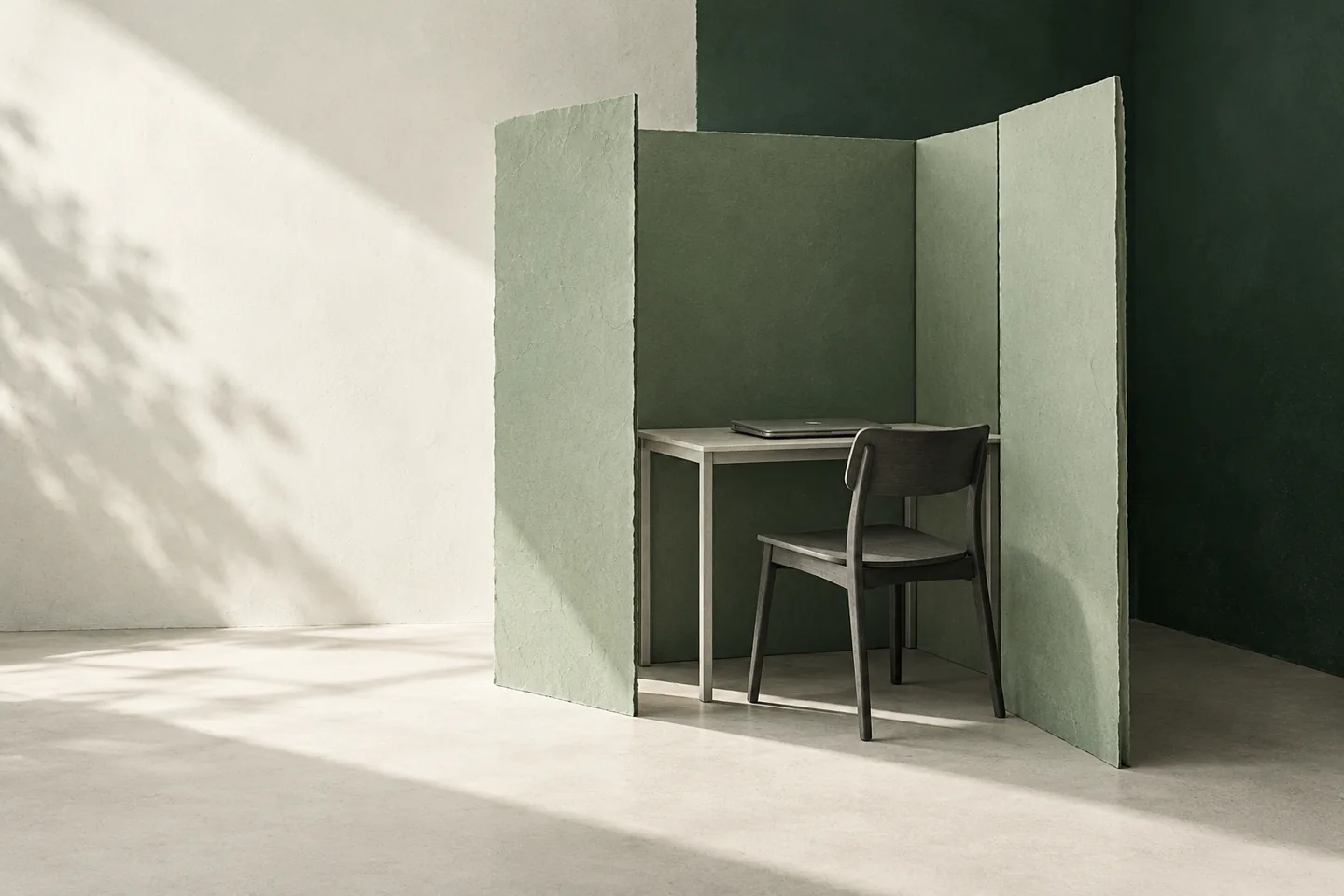
- A folding screen or bookshelf to separate the work corner visually.
- Noise-cancelling headphones in a shared flat.
A workspace checklist
| Area | Check |
|---|---|
| Place | Same spot for focused work; leisure elsewhere |
| Surface | Only today’s task; a “later” pad |
| Phone | In a drawer or another room |
| Screen | Only needed windows; notifications off |
| Body | Screen at eye level; supportive chair |
| Light and sound | Good lamp; headphones if needed |
| Ritual | Same five steps to start |
Common questions
How should I set up my desk for productivity?
Keep only the current task on the desk and screen, put the phone out of reach, make the setup comfortable, and use a short start ritual so the desk becomes a cue for focus.
Is it bad to work from bed?
It can make both work and sleep harder, because the bed stops being a cue for sleep only. See bedroom setup for better sleep.
How can I focus at home with no office?
Pick one spot used only for work, mark the start and end of the workday, and use headphones and a phone-free rule during focus blocks.
Does a clean desk improve focus?
A clear desk removes visual distractions and reminders of other tasks. Keep what you need for the current task and move everything else out of view.